
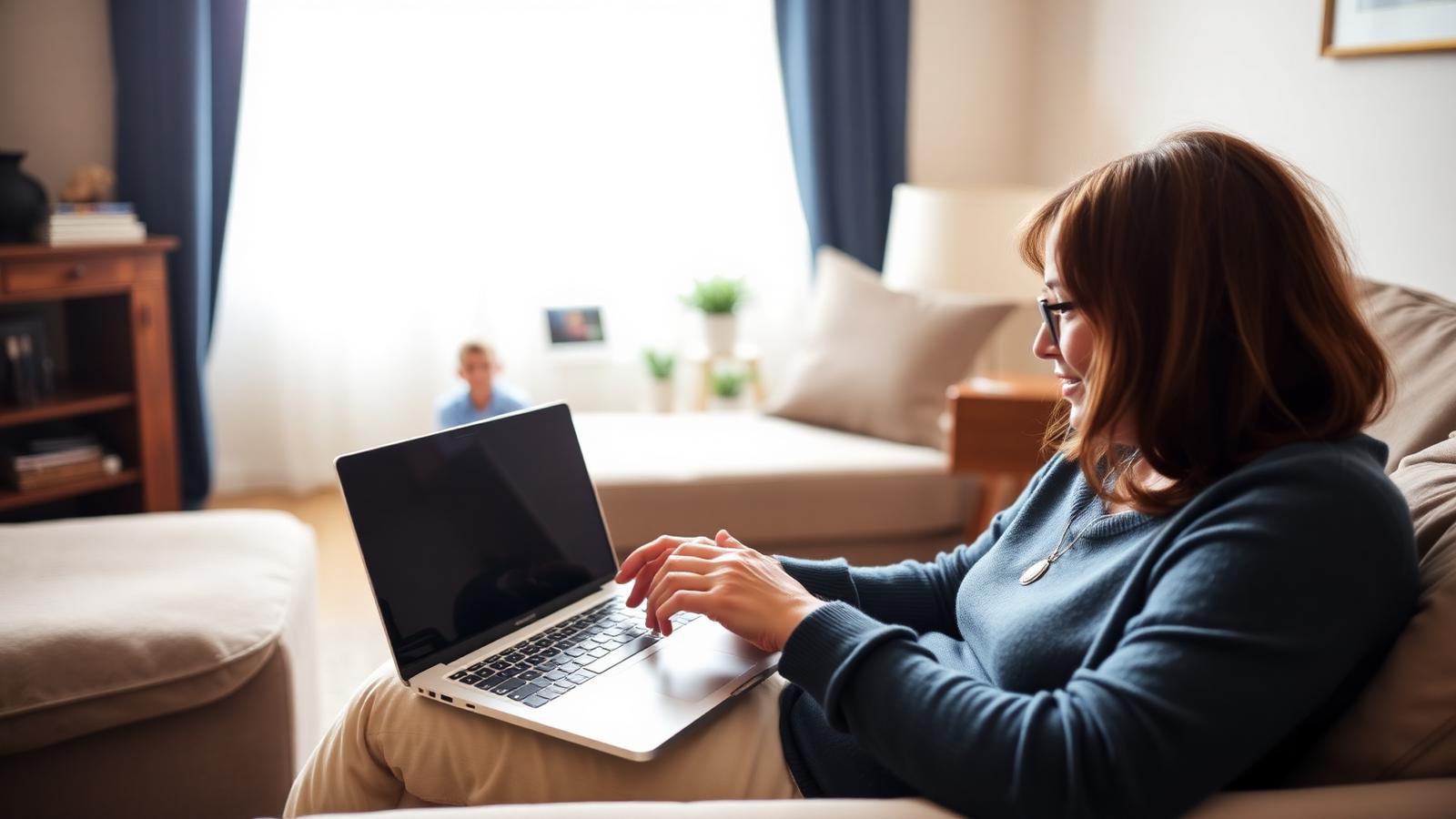
Telehealth
Telehealth visits across Utah, Nevada, and Arizona
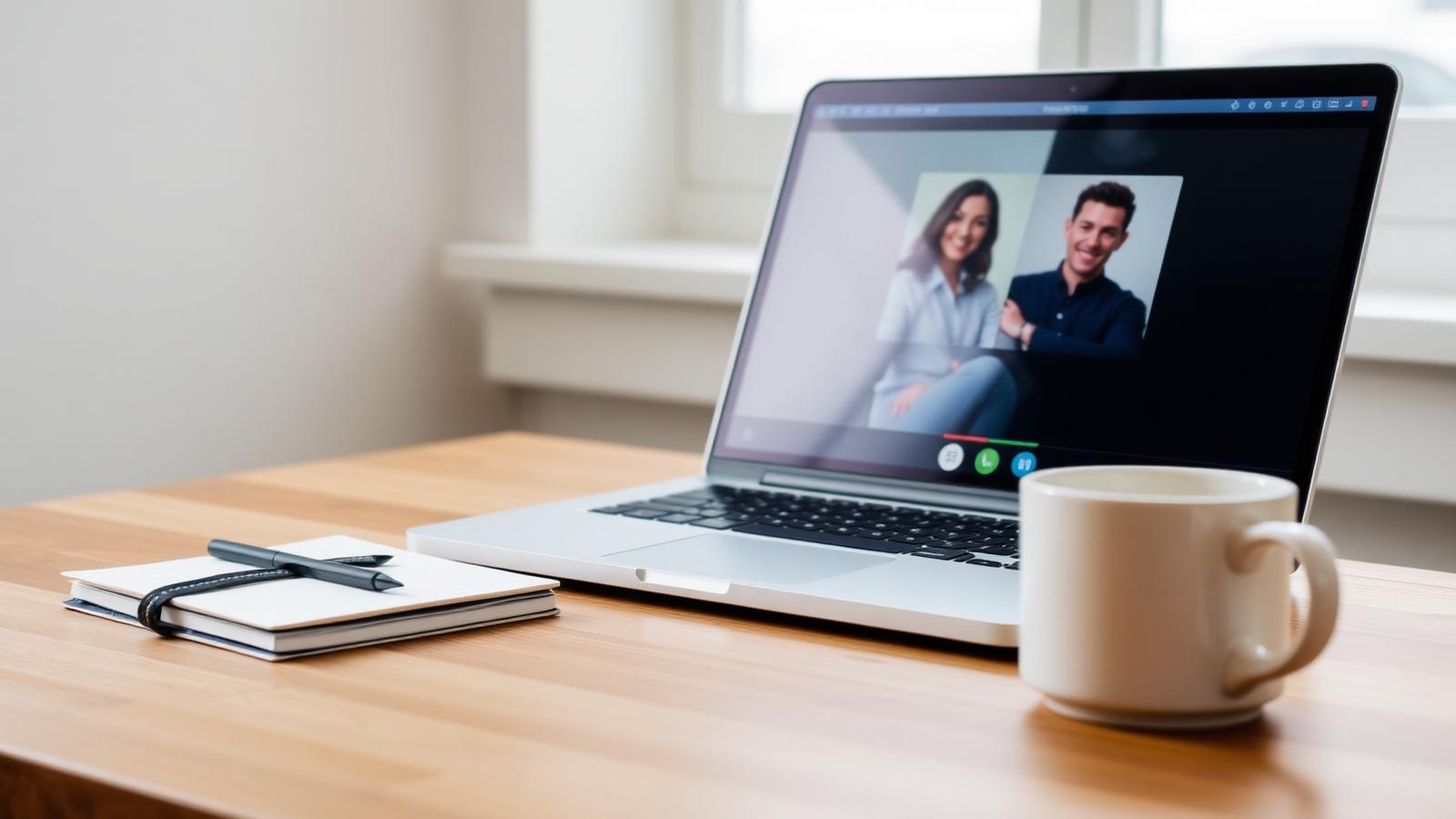
Secure video visits with our licensed clinicians, hosted on Doxy.me. No app, no downloads — and the same coordinated care you would receive in our offices.
How it works
- 1
Schedule
Call the clinic and we will find a time that works.
- 2
Get your link
Each provider has a secure Doxy.me waiting room.
- 3
Join the visit
Open the link on any device — no download needed.
Providers
Enter a waiting room
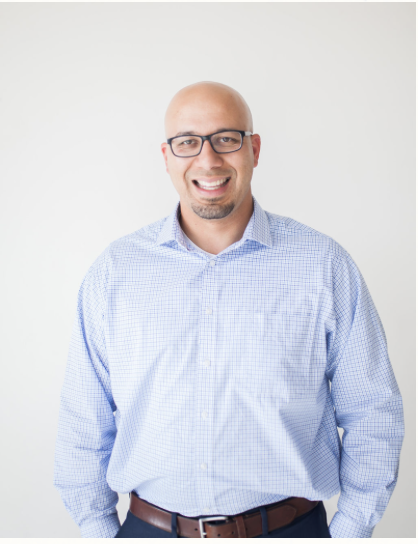
Medical Director
Alberto Souza, Psychiatric Nurse Practitioner, APRN, PMHNP-BC, FNP-C
Alberto has been working as a Nurse Practitioner since April of 2013 and has a Master’s Degree in Family Practice and a Post Master’s Certificate in Psychiatric Mental Health. He has worked in health care for over 14 years and now specializes in helping people with Mental Health Disorders and Substance Addiction. His genuine love for people and desire to continue to learn and improve has allowed him to experience a great deal of success as a provider, to establish a good rapport with patients and to develop lasting relationships with medical professionals in the Southern Utah area. Alberto is also fluent in 3 languages (English, Portuguese and Spanish) which allows him to better serve a more diverse population. Originally from Sao Paulo Brazil, Alberto moved to the U.S. as a teenager where he has had the opportunity to pursue his American Dream. Alberto lives in Southern Utah with his wife and 4 children and is a devoted family man. In his free time, Alberto enjoys time with his family, traveling, camping, biking, swimming and is an avid soccer fan. Alberto shares his love for soccer through coaching local youth teams in the community.